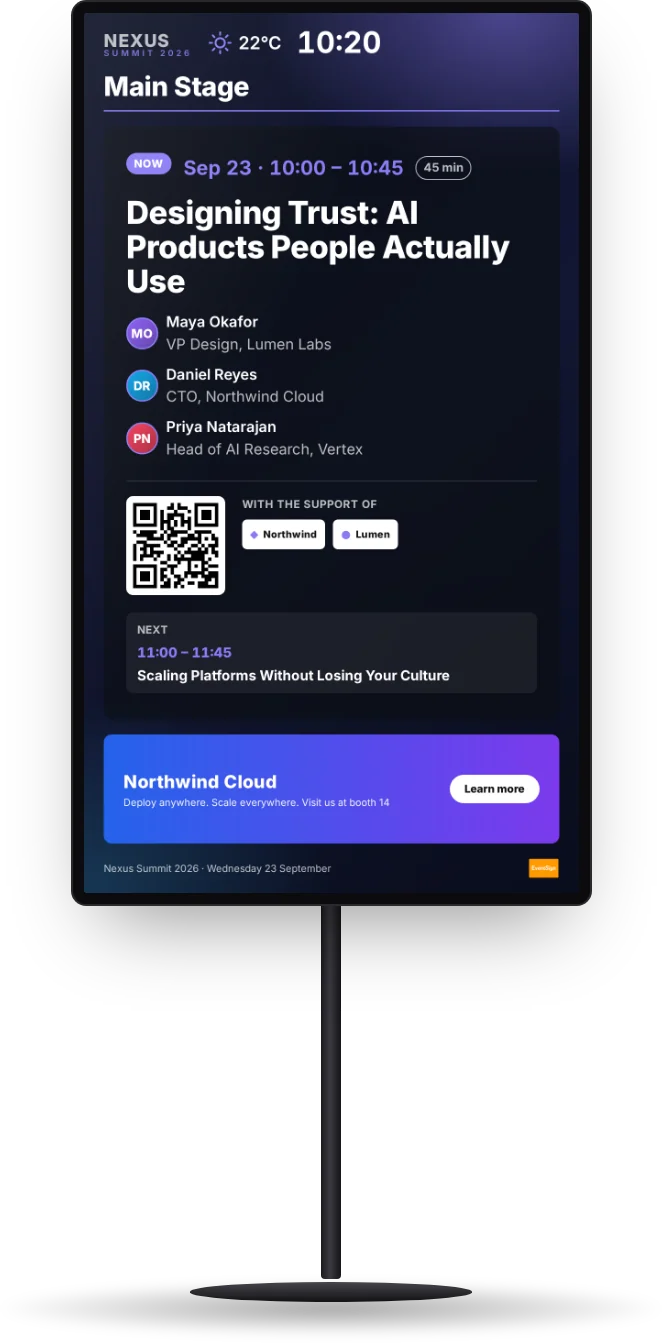
Event signage that doesn't s**k.
Room agendas, live sessions and sponsor ads on every screen of your conference. They fill themselves from your schedule and stay right all day.
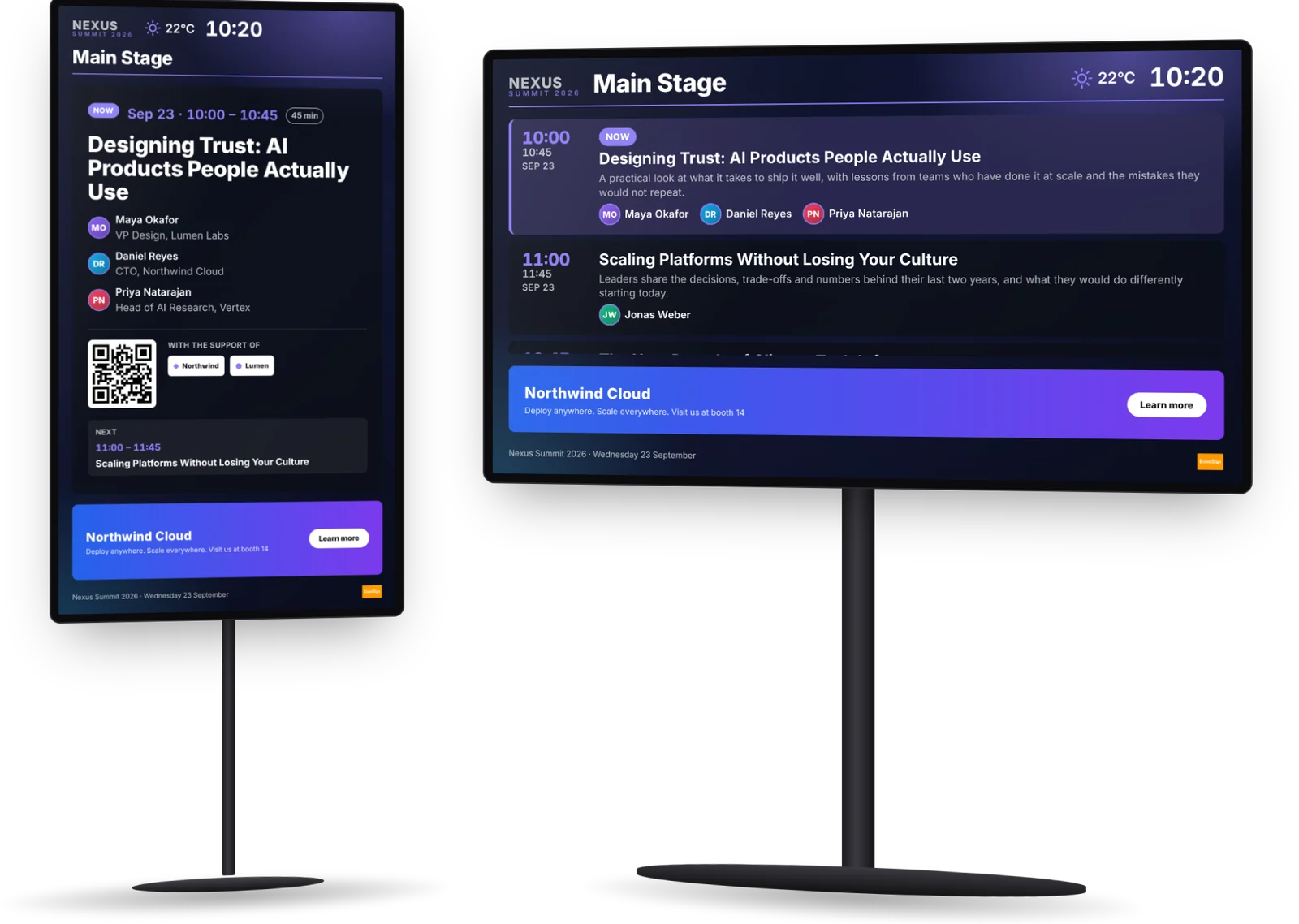
Every room's screen follows its own day.
Your schedule is the only thing you maintain. Each screen shows what is on in its room now and next, and the foyer shows them all. Move a session and every screen knows.
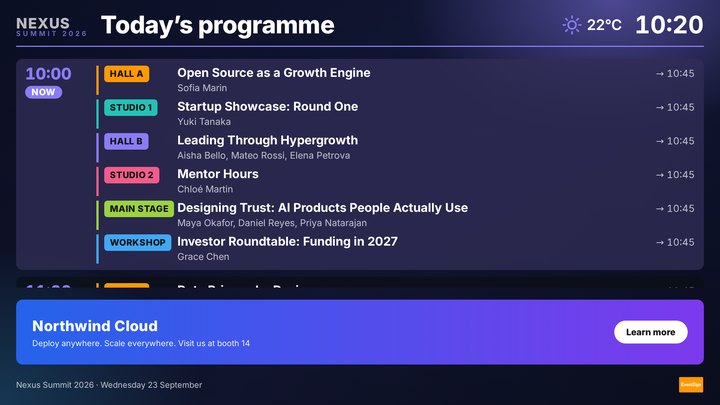
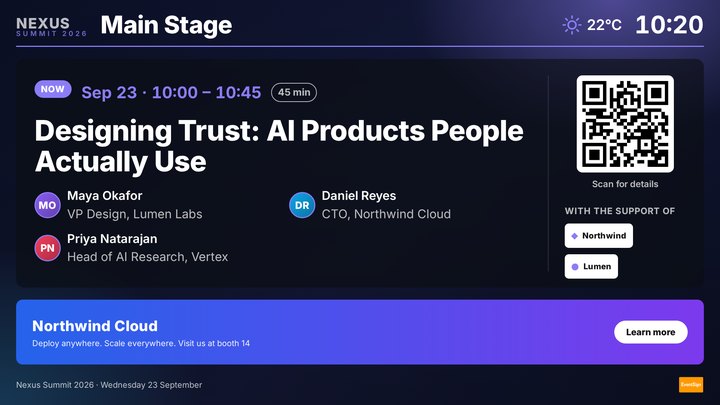
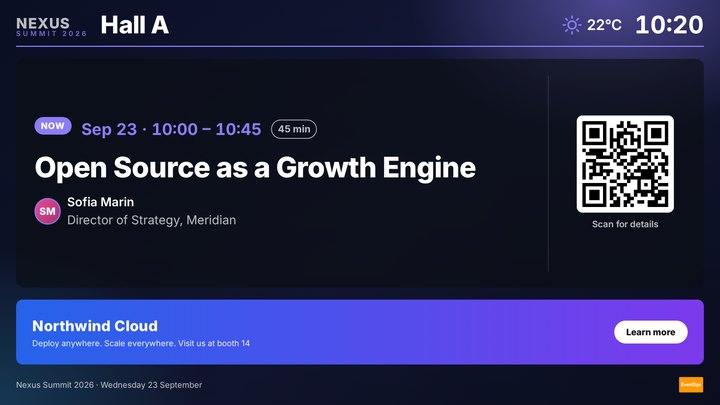
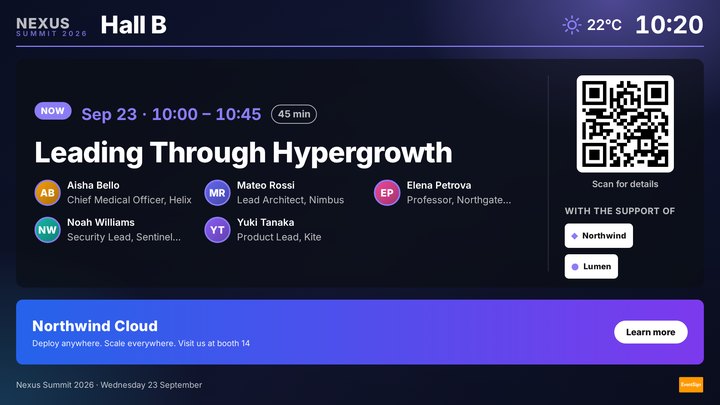
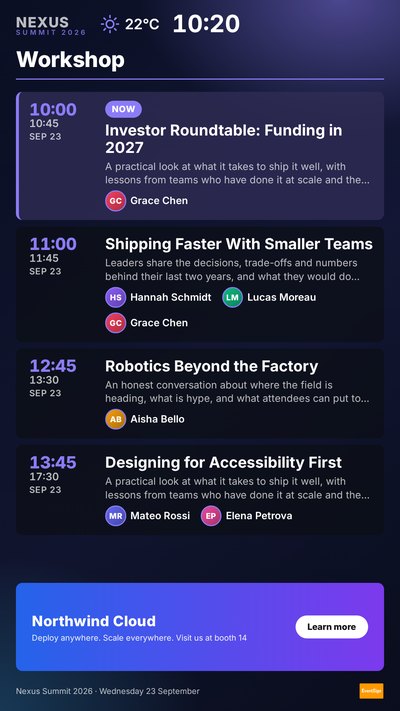
Real EventSign screens rendered at five moments of the day (the ticks), with a fictional event, rooms and speakers.
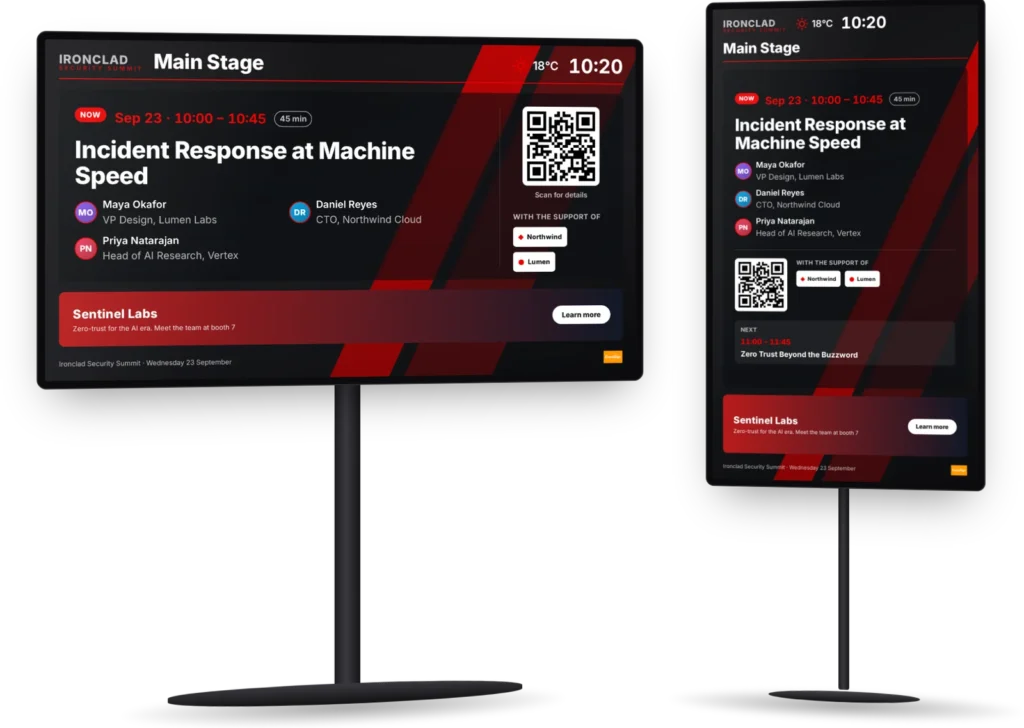
The right screen for every spot.

Fictional event. Images, videos and web pages play in the same loop, by playlist and by time of day.
Screens that pay for themselves.
- Next to their session. Sponsor logos sit on the screens of the sessions they support.
- One banner, every screen, same moment. Campaigns rotate in sync across the venue, or only on the screens you pick.
- Sold until the last minute. Nothing is printed, so a late sponsor is on screen the same day.
Runs on the schedule you already have.
Swapcard
Synced: sessions, rooms, speakers, sponsors
My.EPEAK
Your event project feeds the screens
Cvent, InEvent and others
Connected for you
No platform?
Type it in the app, or send us a spreadsheet
Images, videos, web pages
Anything else you want on screen
One click to publish
Every screen updated together
We run it. Or your team does.
Same platform either way. Switch between the two from one event to the next.
We run it
- Screens sourced near your venue, portrait or landscape
- Installed and set up by our technicians
- Designs made in your brand
- On-site or remote support, 24/7, worldwide
Your team runs it
- Designs, playlists and schedules in the app
- Roles for your team: owners, editors, viewers
- Preview any moment before it happens
- Publish to every screen in one click
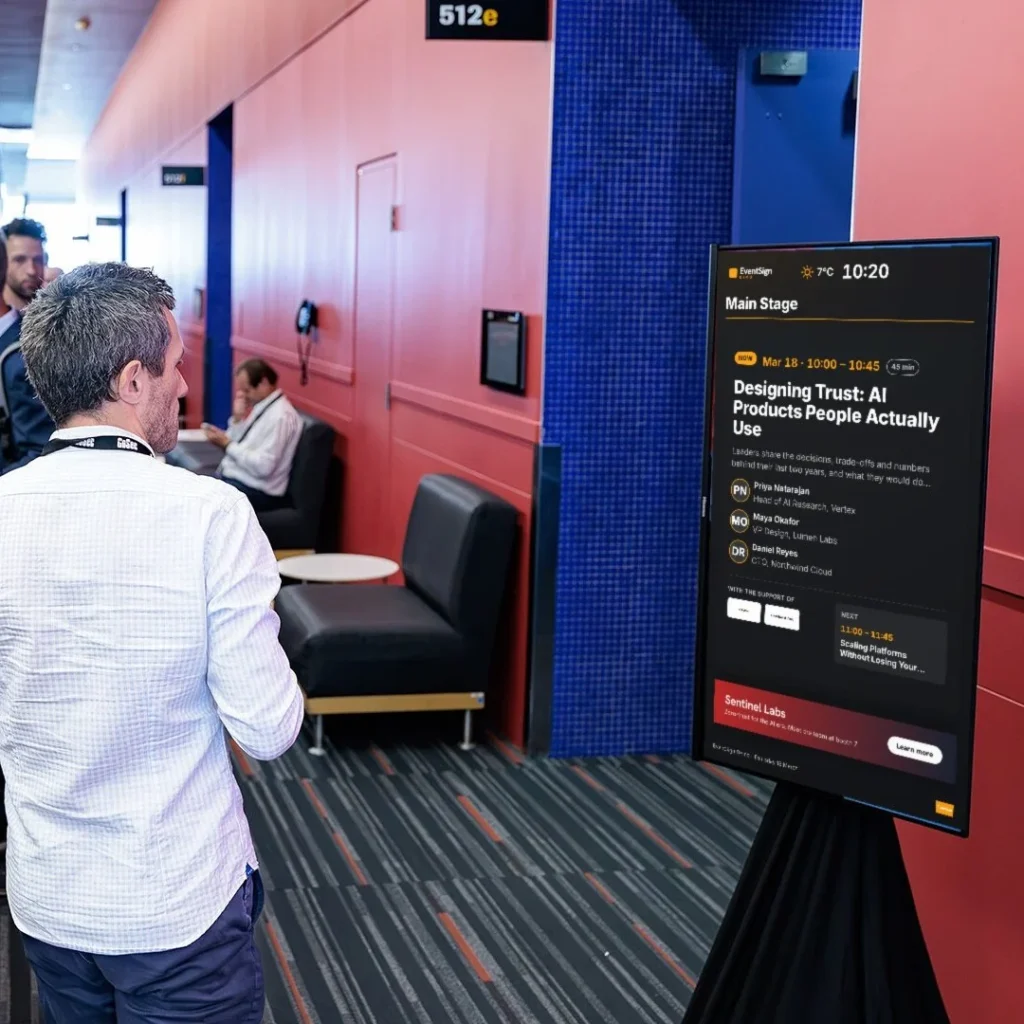
At real events.
GoSec 2025
Montréal cybersecurity conference: 1,500+ attendees, 2 days, 7 digital event signs synced with Swapcard.
Case studySee it on your next event.
A 30-minute call: we show the screens with your own schedule, and tell you what it takes for your venue.