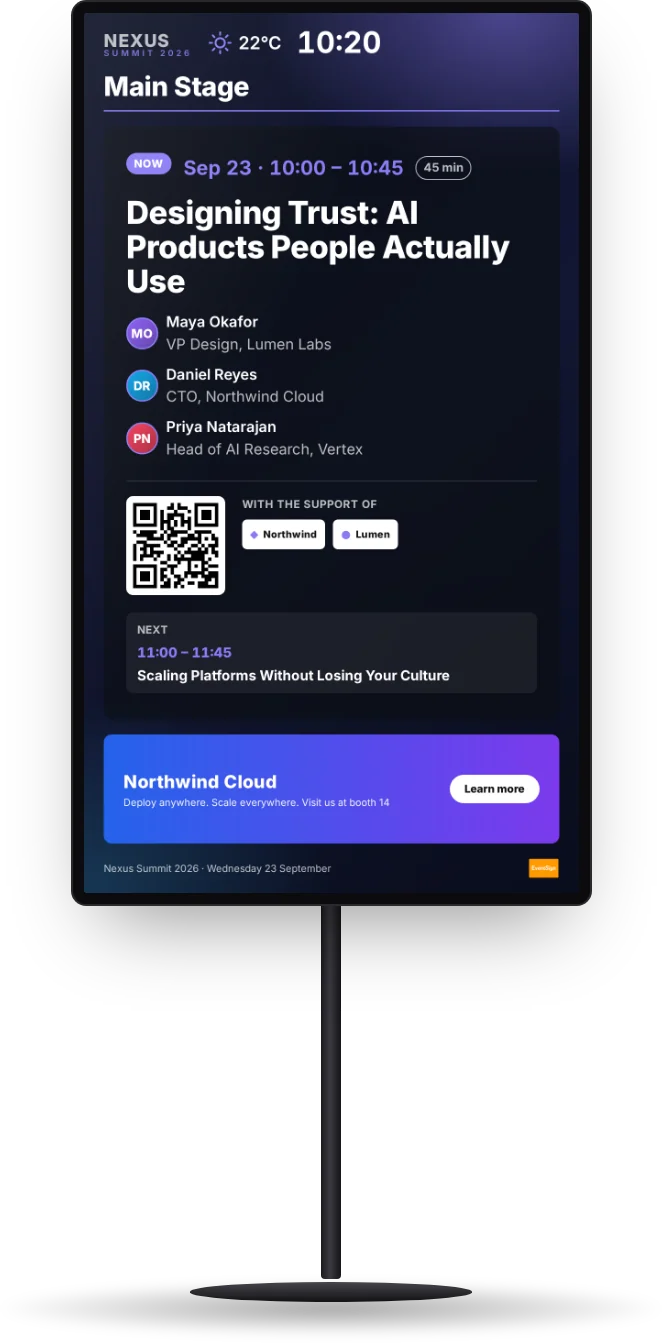
The right content, on the right screen, at the right time.
Put images, videos and web pages around the agenda and the live session, plan every screen of the venue, and schedule what each one plays, day by day.
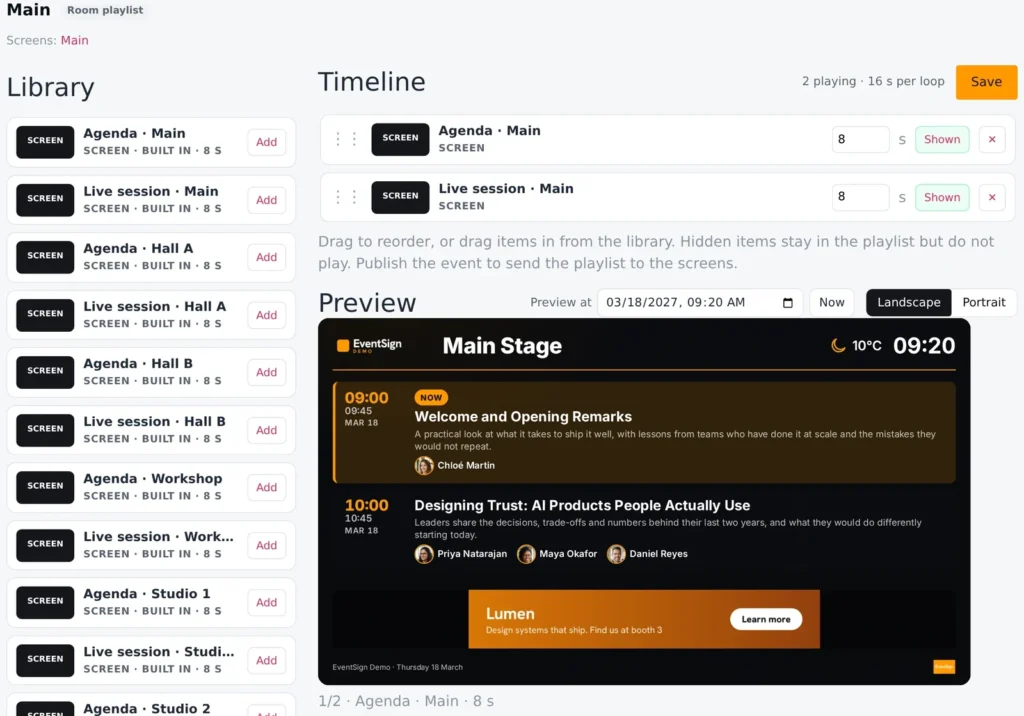
One library for the whole event.
Your EventSign screens, images, videos and web pages in one place. Build playlists from them: drag to reorder, set how long each item stays, switch one off without deleting it, and watch the loop in the preview player.
Every screen, planned.
Name the screens you will have, like “Main stage door” or “Lobby”, in portrait or landscape. Each room starts with its own screen and playlist, ready to go. Add a lobby loop that belongs to no room.
Schedules, day by day.
Drag playlists onto a screen's timeline: the keynote loop in the morning, the sponsors' reel at lunch, the agenda in the afternoon. A default plays whenever nothing is scheduled.
One click to publish.
Publish once and every screen updates together. Agenda changes need no publishing at all: the screens read your schedule live.
See it on your next event.
A 30-minute call: we show the screens with your own schedule, and tell you what it takes for your venue.